
Local IP addresses play a fundamental role in the proper functioning of your home network. They allow various connected devices, such as computers, smartphones, and smart objects, to communicate effectively with each other and with shared resources, like printers or file servers. Without these IP addresses, the coordination and management of data flows would become chaotic.
Understanding how local IP addresses work not only helps troubleshoot connection issues but also optimizes the security of your network. By mastering these concepts, it is possible to configure appropriate firewall rules and limit access to sensitive devices, thus ensuring optimal protection against intrusions.
Understanding Local IP Addresses and Their Role in Your Home Network
Local IP addresses are unique numbers assigned to each device connected to the home network, such as a computer, smartphone, or printer. They enable smooth communication between these devices and facilitate resource sharing. A local IP address, like the standard address 192.168.1.1, is often used to access the router’s configuration interface, allowing you to manage network settings.
The Role of the Router
The router plays a central role in assigning local IP addresses. It uses a protocol called DHCP (Dynamic Host Configuration Protocol) to automatically assign these addresses to each connected device. This process ensures that each device has a unique address, thus avoiding conflicts.
- IPv4: traditional format consisting of four groups of numbers
- IPv6: newer format, using eight groups of hexadecimal characters
By understanding these formats, you can better manage your network and troubleshoot potential connection issues.
Local Network Security
The security of your home network largely depends on the effective management of local IP addresses. By defining appropriate firewall rules and limiting access to sensitive devices, you enhance protection against intrusions. Consider using VPNs to further secure connections.
Mastering local IP addresses, such as using 192.168.1.1, is essential for optimal and secure management of your home network. 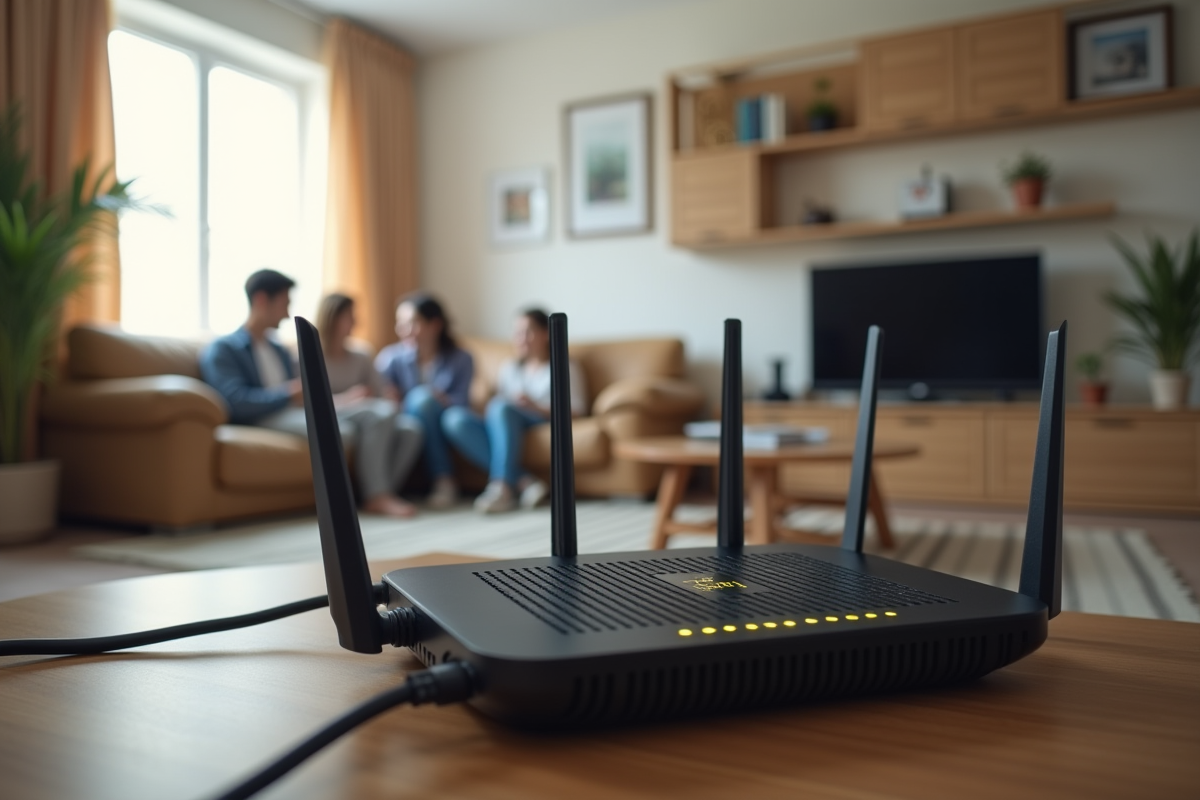
How to Effectively Manage Local IP Addresses to Optimize Your Network
For optimal management of local IP addresses, start by distinguishing between the different types of addresses: static and dynamic addresses. Static IP addresses are manually assigned to each device and never change. They are ideal for equipment requiring a stable connection, such as servers or printers.
- Static addresses: perfect for devices requiring a constant connection.
- Dynamic addresses: automatically assigned by the router, change periodically.
Dynamic IP addresses, on the other hand, are automatically assigned by your router via DHCP and may vary with each new connection. This is suitable for mobile devices like smartphones or laptops.
Advanced Configurations for Enhanced Security
To enhance the security of your local network, use static IP addresses for your critical equipment. This allows you to set specific firewall rules and better control access to the network. Additionally, configure a VPN to encrypt data flowing over your network, thus protecting your sensitive information from intrusions.
Public vs Local IP Addresses
It is important to understand the distinction between local and public IP addresses. Public IP addresses are managed globally by organizations like ICANN and are individually assigned to each device connected to the Internet. Your provider, for example, Orange, assigns you a public IP address via your Livebox, connected via ADSL, VDSL2, or Fiber.
| Type | Characteristics |
|---|---|
| Public IP Address | Managed globally, assigned to each Internet connection. |
| Local IP Address | Managed at the local network level, used for communication between home devices. |
Understanding these distinctions and applying these configurations will allow you to optimize and secure your home network.